Cyber awareness · Simulation
Phishing simulation that tests what attackers actually do
A link in an email is only the start of most attacks. Our simulations follow the whole chain: the click, the fake login page, the downloaded file, the QR code on a printed notice, the text message, the phone call. You see exactly where each person stopped, or did not.
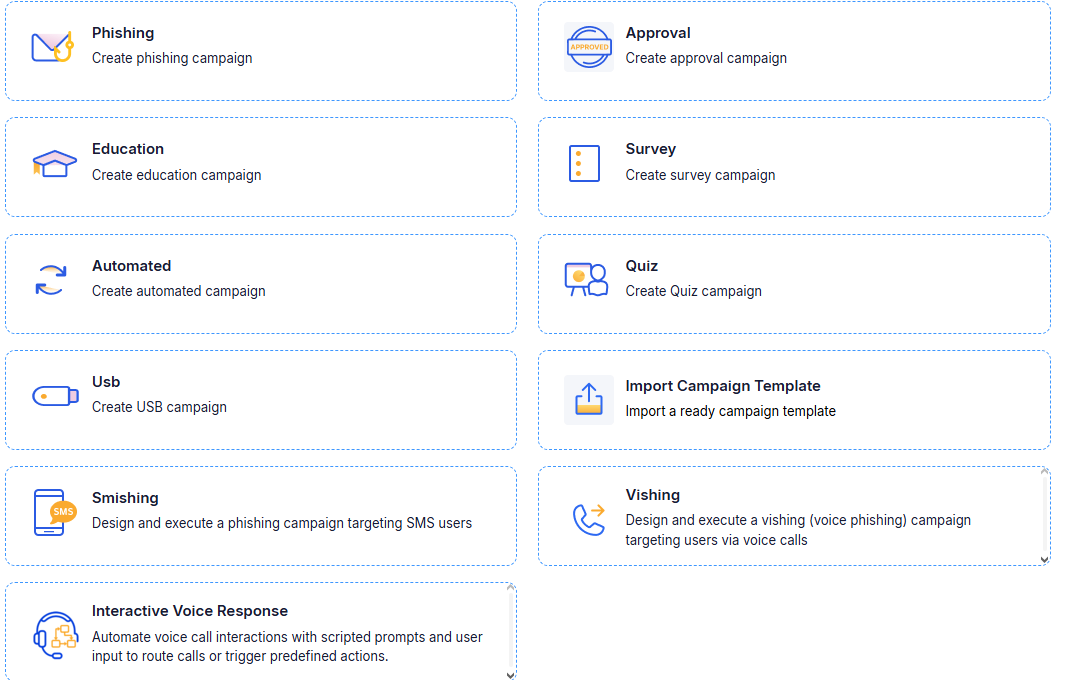
Six attack types, from a single click to a full chain
Each type stops at a different point in the attack, so you can start with the easy question and work up to the one that matters.
Link click
Does the person click a link in a convincing email? The baseline test, and the one to start a program with.
Credential capture
Do they enter a username and password on a fake login page? Microsoft 365, VPN and HR-portal lures.
Malicious file
Do they download and then run a file from a link or an attachment? Invoice, delivery and payslip lures.
File transfer
Do they download or upload a document on a lookalike page? Data-leak and shared-document lures.
Attachment plus login
Do they open an HTML attachment and then hand over credentials to it? Attachment-borne credential theft.
Multi-stage
Click, enter credentials, then download and run a file: the full chain, for mature programs.
Every scenario can redirect by link or by QR code, so you can test quishing — the QR-code phishing that gets past link scanning because the victim opens it on a phone.
The attacks that never reach a mailbox
Smishing
Simulated text messages with links, for staff who work from their phones.
Vishing
Simulated phone calls that test whether people give out information, reset access or approve payments for a caller who sounds right.
Automated voice (IVR)
Scripted voice systems that ask the person to enter codes or follow prompts — the pattern behind fake bank and IT-helpdesk calls.
USB drop
Unknown removable media left where staff will find it, to test physical-security habits.
Voice and SMS campaigns are set up by our team for each engagement: call scripts, sender identities and timing are agreed with you before anything goes out.
A convincing lure that cannot hurt you
A simulation that is obviously fake teaches nothing, and one that is careless with what it collects creates the risk it was meant to measure. These are the controls that let it be both convincing and safe.
Entered passwords can optionally be validated against your directory, so you learn whether a real credential was given away — without the platform ever holding one.
- 800+ ready-made templates, filterable by topic, difficulty, industry and language, with a "not used before" filter so nobody meets the same lure twice
- Templates can be copied and edited, or built from scratch: sender, subject, body, landing page and login page; pages can be imported from a real URL and adapted
- Your own phishing domains, or subdomains of registered ones, so simulations do not burn your production domain
- Passwords are never stored in clear text — you choose to keep nothing, keep only non-sensitive fields, or keep entries with passwords masked and graded only by strength
- Opt-out lists exclude named people from simulations, from other mailings, or from both, with a recorded reason
What follows the click is what changes behavior
For each campaign you choose how the training is delivered, and to whom.
Immediately when phished
The person who clicks lands straight on a short training that explains what they missed. Different scenarios can trigger different trainings.
After the simulation
Training goes out when the campaign closes, so the test is not interrupted while it is still running.
With a quiz
Set a pass mark, show or hide the answers, allow retakes up to a limit, and issue a certificate on success.
With reminders
Automatic follow-ups for anyone who has not completed, with control over weekend sending.
People who correctly report a simulated phishing email are credited for it, and can receive a congratulation message when the campaign closes.
Run it like an attacker, schedule it like an operator
- Send a test campaign to a pilot group first, and confirm that delivery, read tracking, clicks and data entry all register
- Send now or schedule: set start and end dates, and how long the links stay live
- Stagger delivery in percentage batches, department by department, to a random subset, or with a delay between messages — a whole floor receiving the same email at once is how simulations get spotted
- Automated campaigns repeat weekly or monthly with a random share of employees each time, rotating across scenario types, so testing is continuous rather than quarterly
- A campaign calendar shows every planned campaign on one timeline, which is where you see the gaps and the overlaps
- Campaigns go out in each recipient’s preferred language automatically
Six recorded actions, per person
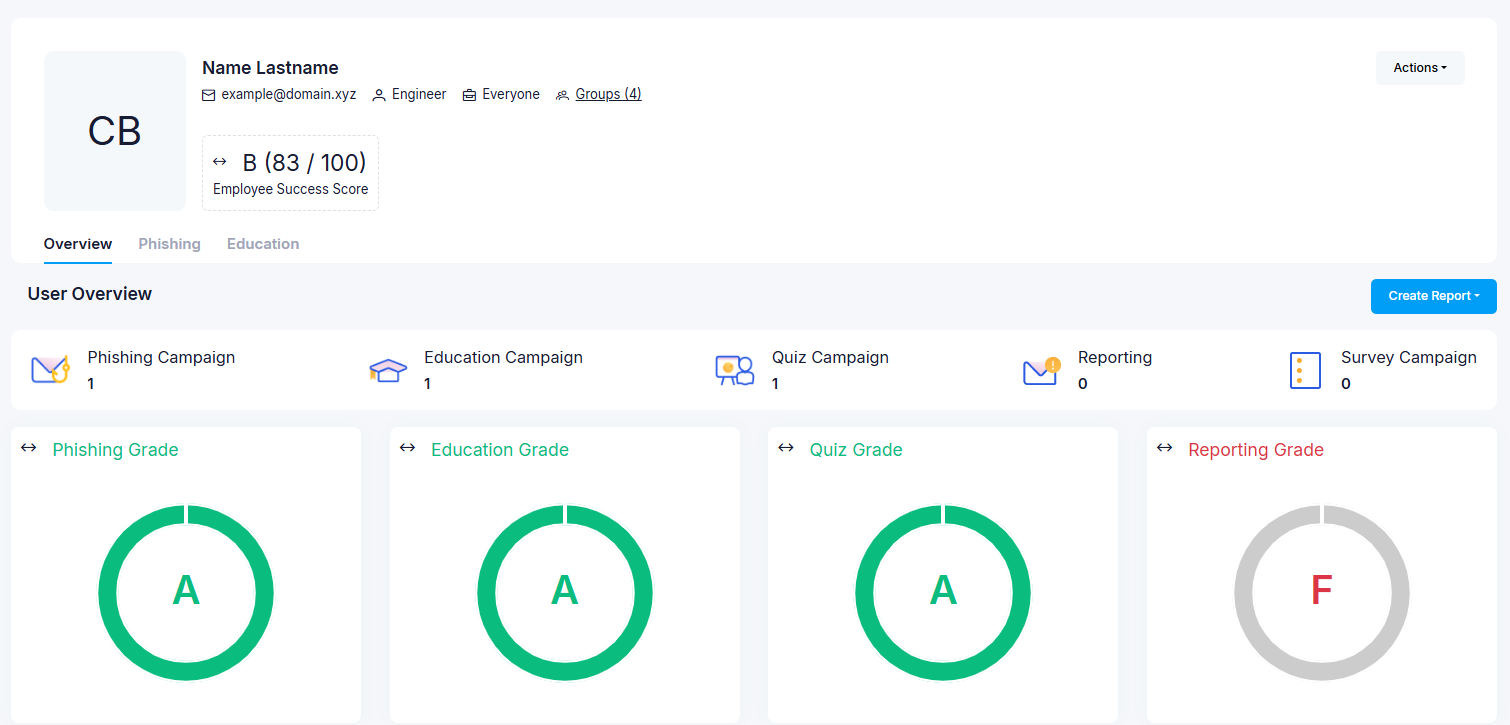
Each person’s actions are recorded separately: opened, clicked, entered data, downloaded, executed, reported. Results feed an awareness score per person, team and department, and roll up into management reports and audit exports.
One thing worth knowing: email security tools sometimes open messages and follow links before the person does. We separate those automated interactions from real ones during setup, which is why early click data is checked before anyone draws a conclusion from it.
Frequently asked questions
The questions we hear most often from security and IT leaders.
Something not covered here? Ask us directly
It can, and it should block anything it does not recognize — that is the control working. The fix is a narrow exception rather than a hole: Microsoft’s advanced delivery policy for phishing simulations, naming our sending domains, our sending addresses and our simulation URLs, applied only to simulation traffic.
For Microsoft 365 tenants there is also an option that avoids mail-flow exceptions altogether for internal recipients: simulations are placed directly into mailboxes through Microsoft Graph. If your mail team pushes back on a tenant-wide safe-sender entry, they are right to, and it is not what we would propose anyway.
Your own brand, yes, and it is often the most instructive test you can run — people are least suspicious of the systems they use every day.
Third-party brands are available as branded templates. Whether to impersonate a specific supplier or partner is a decision for you and your legal team rather than ours; we will set out the trade-offs, and in practice an unbranded lookalike usually teaches the same lesson without the argument.
Not in usable form, and you choose how little is kept. The options are to store nothing at all, to store only non-sensitive fields such as the username, or to store the entry with the password masked and graded only as weak, normal or strong.
The point of the test is to know that a credential was given away — and, if you turn on validation against your directory, whether it was a real one. Holding the password itself would create exactly the risk the simulation is measuring.
Monthly works for most organizations: often enough to build a habit, not so often that it becomes background noise people stop reading.
Automated campaigns make that low-effort, because a random share of staff receives a different scenario each cycle rather than everyone getting the same mail on the same morning. In our managed program, month one is an unannounced baseline and each month after it pairs one topic with one simulation.
Yes, and it is usually worth doing. Campaigns can target any group, department or individual, and the scenarios can be built around the lures executives actually receive — board-pack shares, legal notices, payment approvals — rather than the parcel-delivery mail everyone else gets.
Results can be reported separately so that a small group’s performance is not diluted in the company average, which is the usual reason this gets missed.
Where to go next
Training & curricula
Short modules assembled into learning paths with deadlines and certificates.
Phishing Investigation
A report button, our analysts, and removal from every mailbox that got it.
Ready to get started?
Partner with Spirity Enterprise to implement the right security and IT solutions for your organization.